 Checkout Conversion Guide
 Abandoned Cart: How to Win Back Shoppers
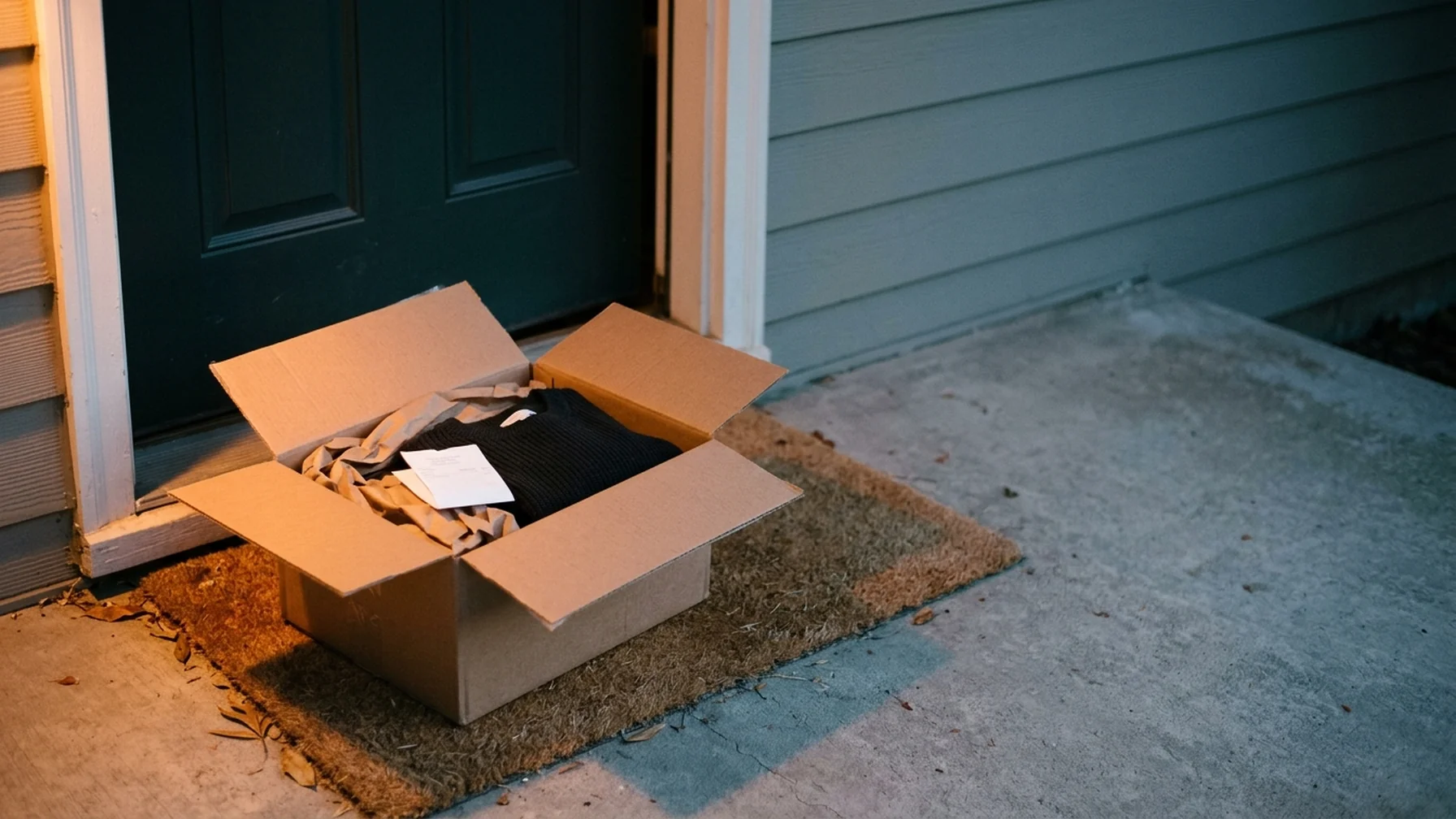
An abandoned cart is a cart a shopper filled but left before paying. Winning those shoppers back means three things in order: finding out why they stopped, fixing the causes you control on the checkout page, and running a recovery sequence that reaches them with the right message at the right time. Most stores skip the diagnosis and jump to discount emails, which is why so much recovery effort produces little.
What Actually Counts as an Abandoned Cart
A cart is only abandoned when the shopper has given you a way to reach them. In most stores that means the email address or phone number captured before payment. A logged-in session with items left behind also qualifies. Anonymous carts with no contact data sit in your platform but cannot be recovered, and counting them in your recovery rate makes the metric meaningless.
Decide early which events close a cart. A completed order obviously does. So does an explicit removal of the last item, and a customer writing in to cancel an order they never finished. Without those rules, your recovery rate drifts and the same shopper gets emails for a purchase already made.
Read the Reasons Before You Send Anything
Shoppers leave for boring, fixable reasons far more often than for a clever discount. The list below is worth checking against your own data before you build a campaign.
- Surprise costs at checkout: shipping, tax or fees that appeared late.
- Forced account creation before payment.
- Too many form fields, or fields that reject valid input.
- A payment method the shopper does not have or does not trust.
- Slow pages or errors on mobile.
- Comparison shopping or waiting for a better moment.
- Unclear delivery dates or return terms.
- Distraction, a dead battery, a closed tab.
Separate the causes you can fix on the checkout page from the ones a message can address. A shopper who bailed at a shipping-cost reveal needs a clear shipping policy more than a reminder email. A shopper who was interrupted needs the reminder. Treating both the same wastes your best recovery lever on the wrong problem.
Fix the Checkout Before Building Abandoned Cart Recovery
Recovery emails work on the residual. Every cause you remove lowers the number of carts that need recovering, and that is cheaper than any campaign. Work through the checkout in the order shoppers experience it.
Show total cost before the payment step
Put shipping cost and tax on the cart page or at the first checkout step. Shoppers who learn the total late feel tricked, and some will not return even after an email. If shipping varies, offer a threshold that earns free shipping and show how close the shopper is.
Remove the account wall
Offer guest checkout as the default and let shoppers create an account after the order. Account creation adds a password decision at the exact moment the shopper wants to finish. Keep it available for people who want it, but never as a gate.
Cut the form to what you need
Ask for the fields required to fulfill and support the order. Every extra field is a chance to lose the sale. Use address autocomplete and make sure the phone field accepts formats shoppers actually type.
Test the payment step on a real phone
Errors here are silent because the shopper simply leaves. Run a test order on a mid-range phone over mobile data, not office Wi-Fi. Check that wallets, saved cards and the most common local payment methods appear and complete.
Build the Recovery Sequence
A working sequence usually has three touches over roughly a week. The numbers below are illustrative, not benchmarks: set your own timing from what your product cycle supports.
| Touch | Timing (illustrative) | Job of the message |
|---|---|---|
| First email | 1–4 hours after abandonment | Remind, show the cart, remove friction |
| Second email | About 24 hours later | Answer the likely objection: shipping, returns, stock |
| Third email | 2–3 days later | Offer a reason to return, if your margin allows |
The first message should carry the product image, the price, a link back to the saved cart and one clear button. Keep it short. The second message earns its place by answering a question: state delivery windows, the return policy or low-stock status. The third is where a discount belongs, and only if your unit economics can carry it. A discount in the first email trains shoppers to abandon on purpose.
Write subject lines that describe the cart
Name the product or the action instead of using urgency language. "Your running shoes are still in your cart" tells the shopper what the email is. "Don't miss out!" does not. Test a few variants on response, not on opens alone.
Set suppression rules
Stop the sequence the moment an order completes. Suppress shoppers who removed the item themselves. Cap the total number of recovery emails per customer across carts so someone comparing three products does not receive nine messages.
A Short Example
Consider a store selling home office furniture, where the illustration assumes a 60-dollar shipping fee revealed at the payment step.
- Move the shipping line to the cart page and add a progress note toward the free-shipping threshold.
- Turn on guest checkout and remove the phone field.
- Send the first recovery email two hours after abandonment with the product, price and a cart link.
- Send a second email the next day that states delivery time and the return window.
- Skip the discount and instead let the third email show in-stock alternatives in the same range.
Each step targets a different reason the cart was left. The shopper who balked at shipping now sees the total earlier; the interrupted shopper gets a reminder; the undecided shopper gets delivery certainty.
Common Mistakes
The same errors show up across stores of every size. Check for these before you tune anything else.
- Measuring recovery against all carts instead of carts with contact data.
- Leading with a discount and training repeat abandonment.
- Sending a reminder to someone who already bought.
- Links that open a generic homepage instead of the saved cart.
- Emails with no product image, which read as bulk mail.
- Ignoring SMS and push where the shopper opted in and the channel fits the product.
- Treating a checkout bug as a messaging problem.
Practical Takeaway
Start with the checkout, not the campaign. Find the step where carts die, fix the cost reveal, the account wall and the payment errors, and only then build a three-touch sequence with strict suppression. Measure recovered orders against carts that had contact data. Review the sequence monthly against your reasons list, and retire any message that does not answer a real objection. This article is general information for store operators, not financial, legal or tax advice.